












Glasses for Zoom Calls: How to Look Professional and Avoid Ring Light Glare
Video calls now fill most workdays, and your glasses can make or break your on-screen presence. Bad lenses reflect annoying glare from ring lights, while wrong frames throw off your whole look. Pick the right eyewear and you'll appear sharp, polished, and ready to impress—all while staying comfortable through hours of meetings.

Why Your Eyewear Matters for Zoom Calls
During video calls, your face fills the screen and if you wear glasses, people will notice them immediately.
They frame your eyes, and eye contact helps build trust and keep your audience engaged. But if your glasses reflect bright lights, it can disrupt that connection.
Ill-fitting glasses also create problems. When your glasses slide down your nose, it looks unprofessional and suggests you're uncomfortable or unprepared.
The right pair of glasses should enhance your authority and show that you care about the details. Clear, sharp vision and long-hour comfort also help you speak with confidence.
Pick Frames That Look Good on Camera
Webcams, especially wide-angle laptop cameras, distort facial features. They often flatten the face. To look good on Zoom, select frames that add definition and structure.
Shape
Pick frames that contrast with your face shape. The camera can make round faces look softer and wider. If you have a round face, choose square or rectangular frames. The angles add necessary definition.
People with square faces or strong jawlines benefit from round or oval glasses. Curves soften the angular features on screen.
Color
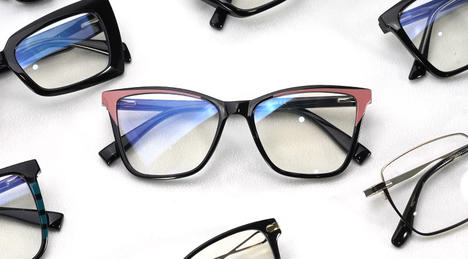
Stick with neutral colors. Black, tortoiseshell, and dark brown always look crisp on camera and pair well with business clothes and can stand out against most backgrounds.
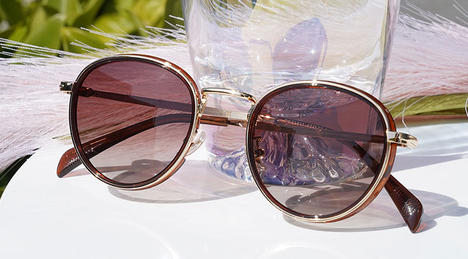
Crystal or translucent frames also work well for video calls. They define the face without casting dark shadows under the eyes.
Be careful with thick black frames if you have fair skin and poor lighting. They might look too heavy.
Metal frames in silver, gold, or gunmetal look sophisticated but can catch light and create reflections.
Avoid neon colors, too. Bright neon frames can look blurry or weird on camera, causing color bleeding on the screen.
Eyewear Scale
Balance prevents distortion. Aim for a medium fit. Your eyes should sit in the horizontal center of the lens.
Oversized glasses are popular, but they can dominate your face on a video call. They often hide eyebrows. Eyebrows convey surprise, concern, and interest. Hiding them reduces your non-verbal communication.
On the other hand, frames that are too small make the face look larger due to camera lens distortion.
Detail
Simple, clean lines work best.
Low-resolution video feeds blur small details. Intricate patterns on the temples or frame rims often look like digital noise or dirt.
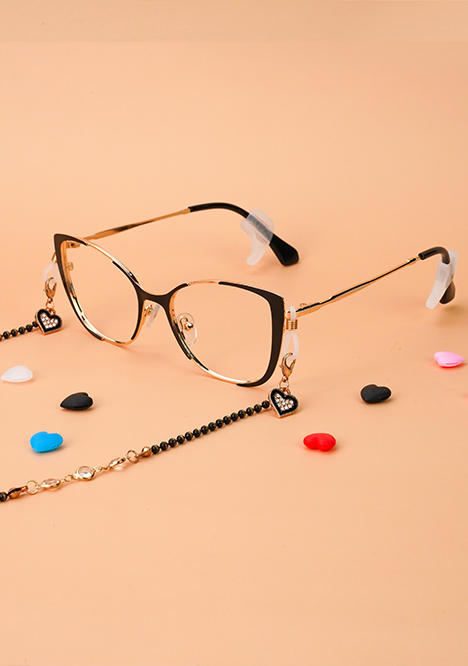
Avoid frames with excessive jewels or highly reflective metal bridges. Shiny gold or silver catches the light from your monitor. This creates distracting flares that flash every time you move your head. Matte finishes are a superior choice for on-camera wear.

Choose the Right Lenses for Clear Vision
Clear lenses create the most professional connection.
Choose anti-reflective glasses. A high-quality anti-reflective (AR) coating allows light to pass through the lens instead of bouncing off the surface. This eliminates the white box reflection of your computer screen. Your colleagues see your eyes clearly.
But standard plastic lenses, on the other hand, act like mirrors and reflect the light from your screen directly back at the camera.
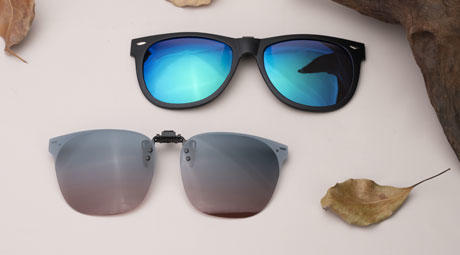
Tinted lenses can also cause issues. Transition lenses darken when exposed to UV light. If you sit near a sunny window, your glasses might turn dark during a meeting. This makes it look like you are wearing sunglasses indoors.
How to Choose Glasses to Avoid Ring Light Glare
Ring lights illuminate your face well, but they create distinct circular reflections in eyewear. Choose the following kinds of glasses to eliminate the issue:
● Premium AR Coatings: These repel oil and water. Cheaper coatings smudge easily. Smudges diffuse light, creating a hazy "bloom" around reflections rather than a sharp point. A clean, premium hydrophobic coating keeps the lens clear and minimizes the size of the reflection.
● Lens Curvature: Flatter lenses reflect light differently than standard spherical lenses. If you have a strong prescription, ask for aspheric lenses. These are flatter and thinner. They reduce the surface area that catches overhead lights.
● Frame Tilt: Some frames have a natural "pantoscopic tilt," where the bottom of the lens sits closer to the face than the top. A slight downward angle deflects reflections from monitors and ring lights toward the keyboard, away from the camera lens.

How to Stay Healthy and Comfortable During Long Zoom Meetings
Looking professional is the goal, but physical comfort affects your performance. Long meetings require eyewear prioritized for health.
Blue Light Blocking
Video calls involve staring at a screen for hours. Blue light blocking lenses filter high-energy visible blue light. This reduces digital eye strain. It prevents headaches and keeps eyes from looking red and tired by the end of the day.
Material Weight
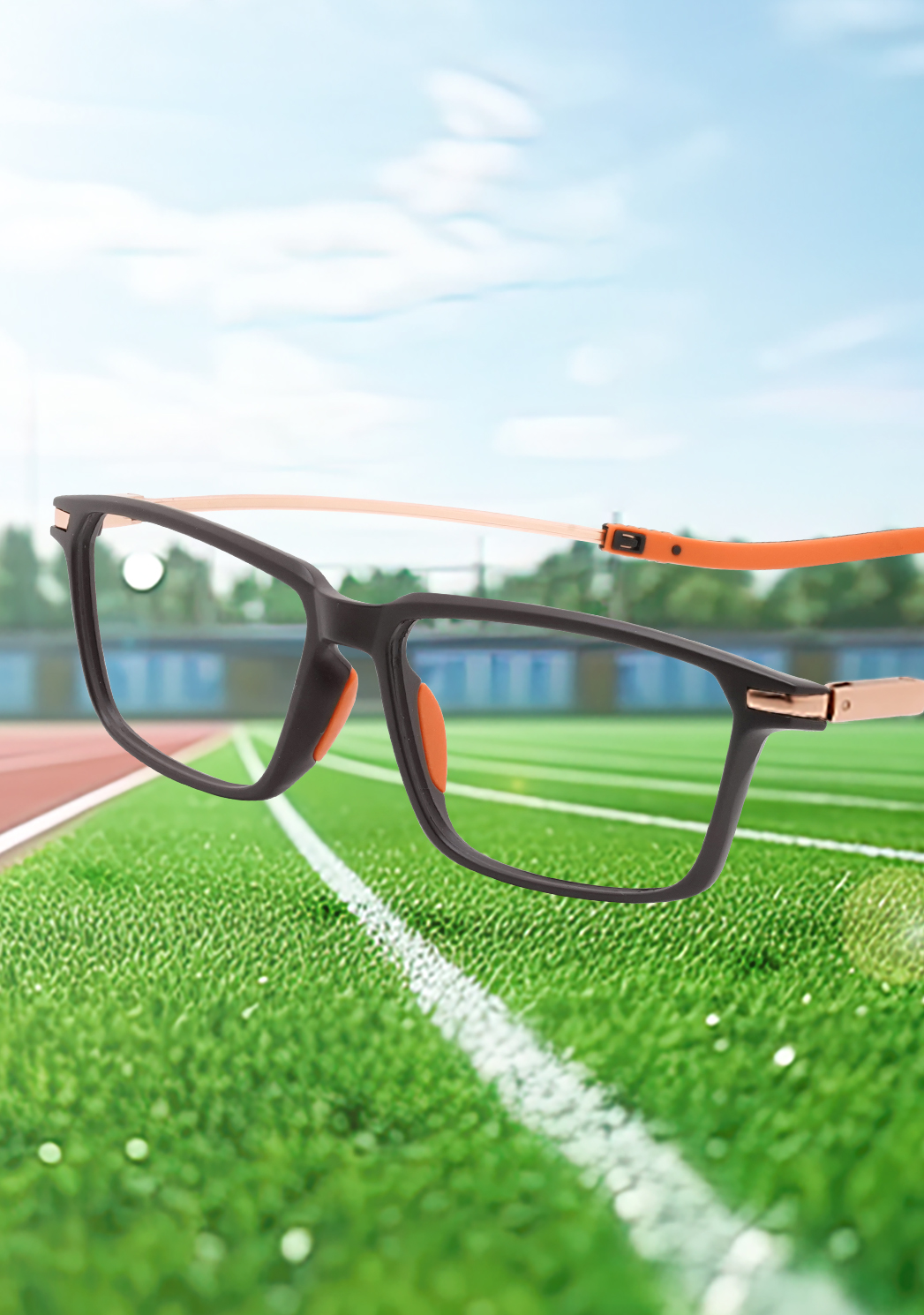
A heavy frame feels fine for five minutes. After a two-hour strategy session, it weighs heavily on the nose and ears. Materials like Titanium or TR90 offer durability without the weight. You should forget you are wearing them.
Nose Pad Fit
Talking moves facial muscles. This movement causes glasses to shift. Frames with adjustable silicone nose pads provide grip. You can customize them to fit your nose bridge perfectly. This prevents the glasses from sliding down during a presentation.

Mistakes to Avoid when Choosing Zoom Call Glasses
Many professionals make small errors that undermine their on-camera look. Avoiding these pitfalls maintains a polished executive presence.
Dirty Lenses
High-definition webcams pick up everything. They see smudges, fingerprints, and dust particles on lenses. This creates a foggy look. Keep a microfiber cloth at your desk. Wipe your lenses before every call.
Old Prescriptions
Squinting to see the screen or leaning in close signals an outdated prescription. This looks unprofessional and causes visible strain. Make sure your glasses for video calls have a current prescription optimized for the distance of your computer screen.
Poor Fit
Pushing glasses up your nose repetitively draws attention away from your words. It becomes a focal point for the viewer. Ensure the temples grip gently behind your ears for a secure fit.

More Ways to Look Sharp
Beyond your glasses, a few simple steps help you look your best during video calls.
● Wipe your lenses before important meetings. Smudges and dust show up clearly on camera and make you look careless. Keep a microfiber cloth at your desk for quick cleanups.
● Think about what's behind you. Messy or busy backgrounds pull eyes away from you, while clean, simple ones keep focus where it belongs. Your glasses should add the final touch to a pulled-together look.
● Set your camera at the right height and position yourself well. Put your eyes in the top third of the screen, with some room above your head. This angle shows your glasses at their best and makes the view more natural for people watching.
Find the Perfect Zoom Glasses at Lensmart
The right glasses can change how you come across on video calls. Anti-reflective coating stops annoying glare, while smart frame choices make your face look balanced and professional. Comfortable features keep you focused on your work instead of fidgeting with your eyewear all day.
Ready to upgrade your video presence? Browse Lensmart's frames with quality lens options built for people who spend their days on camera.


